
Loading page…
Cookies keep FreeInd working. Optional analytics require your permission; ads for free accounts are served by Google, which shows its own consent message where required. Read our cookie policy.
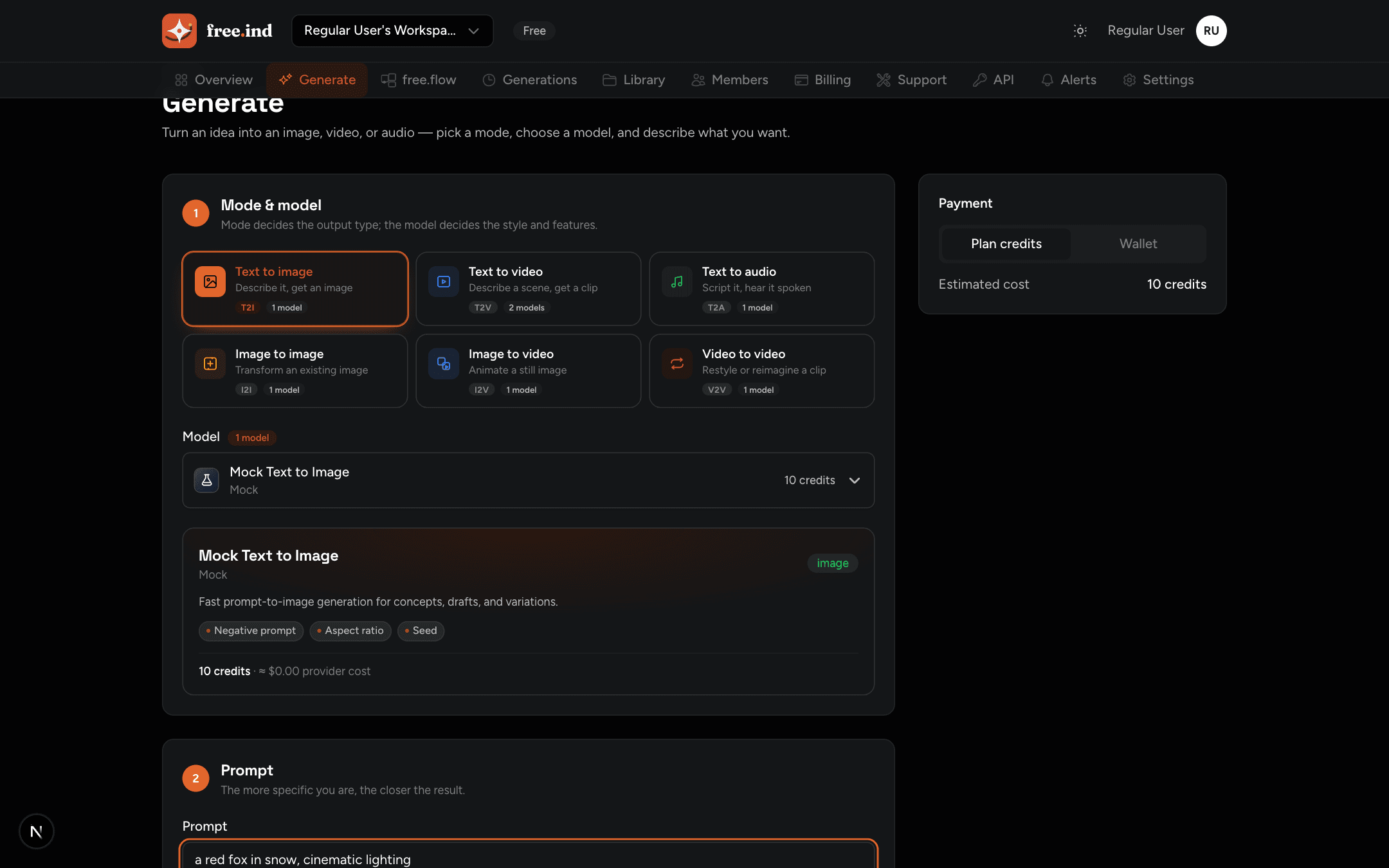
Generate your first image with the FreeInd API in five minutes — create a key, submit a generation, poll for completion, and download the output.
This is a real generation running on the platform — studio, submit, and the result, end to end:
https://free.ind.in/v1Authorization: Bearer <API key> — keys start with fi_live_Note
The interactive API reference is available at free.ind.in/api/docs, with code samples, a request runner, and a downloadable Postman collection. Prefer a flat list? See the full endpoint list.
Go to Dashboard → API Keys → Create. Pick a name and the scopes you need (start with generations.write, generations.read, and assets.read). The full key is shown exactly once — store it in your secrets manager.
Keys belong to one workspace. Keep the workspaceId handy; every request targets the workspace by id. See Authentication for scopes, revocation, and expiry.
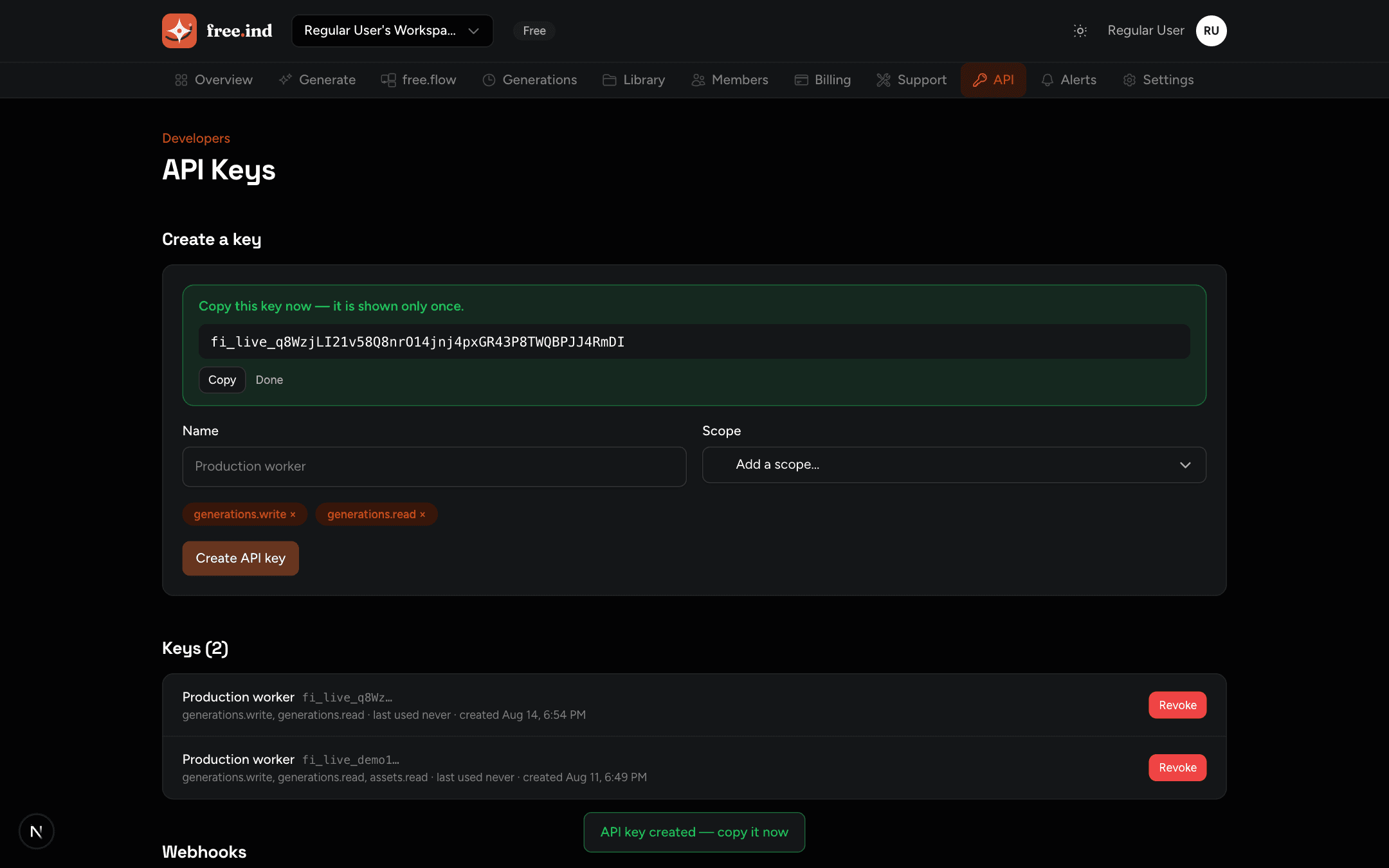
Generations are asynchronous. Create one by POSTing to POST /v1/generations with the model id and mode-specific parameters:
curl -X POST https://free.ind.in/v1/generations \
  -H "Authorization: Bearer fi_live_..." \
  -H "Content-Type: application/json" \
  -d '{
    "workspaceId": "00000000-0000-4000-8000-000000000000",
    "modelId": "00000000-0000-4000-8000-000000000001",
    "params": { "mode": "text_to_image", "prompt": "a red fox in snow" }
  }'
The response returns the generation record with a status of queued. To retry safely in automation, add an Idempotency-Key header — the same key returns the same generation instead of a duplicate.
Jobs move through queued → reserved → submitted → running → succeeded (or failed / cancelled / expired). Fetch the detail — it includes an events timeline and, on success, the generated output asset ids:
curl "https://free.ind.in/v1/generations/<generation-id>?workspaceId=<workspace-id>" \
  -H "Authorization: Bearer fi_live_..."
Prefer webhooks over polling in production. See Webhooks for signed terminal-state delivery.
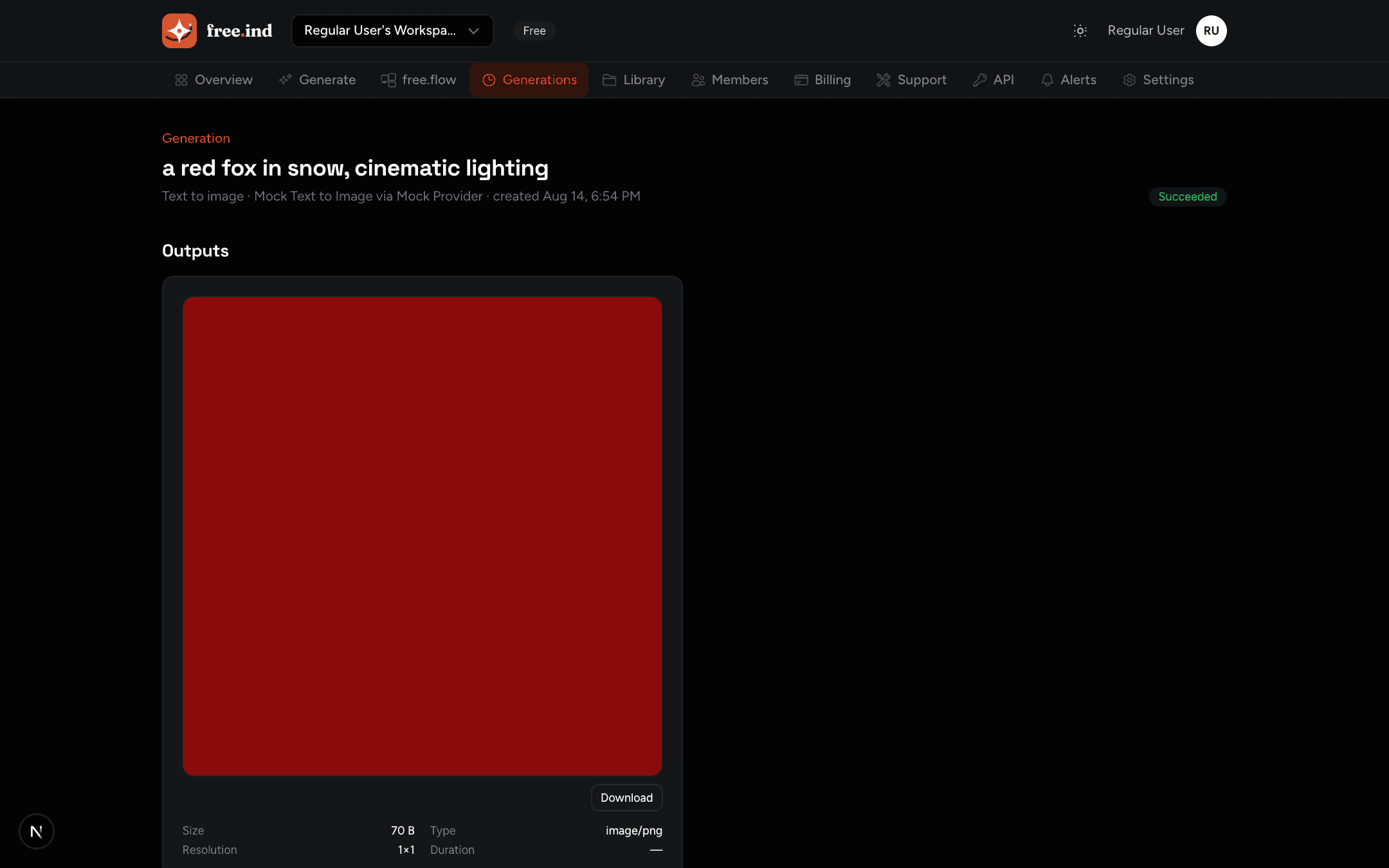
Each asset has a download endpoint that returns a short-lived presigned URL:
curl "https://free.ind.in/v1/assets/<asset-id>/download?workspaceId=<workspace-id>" \
  -H "Authorization: Bearer fi_live_..."
Redirect the client to the returned URL — do not proxy media through your server.
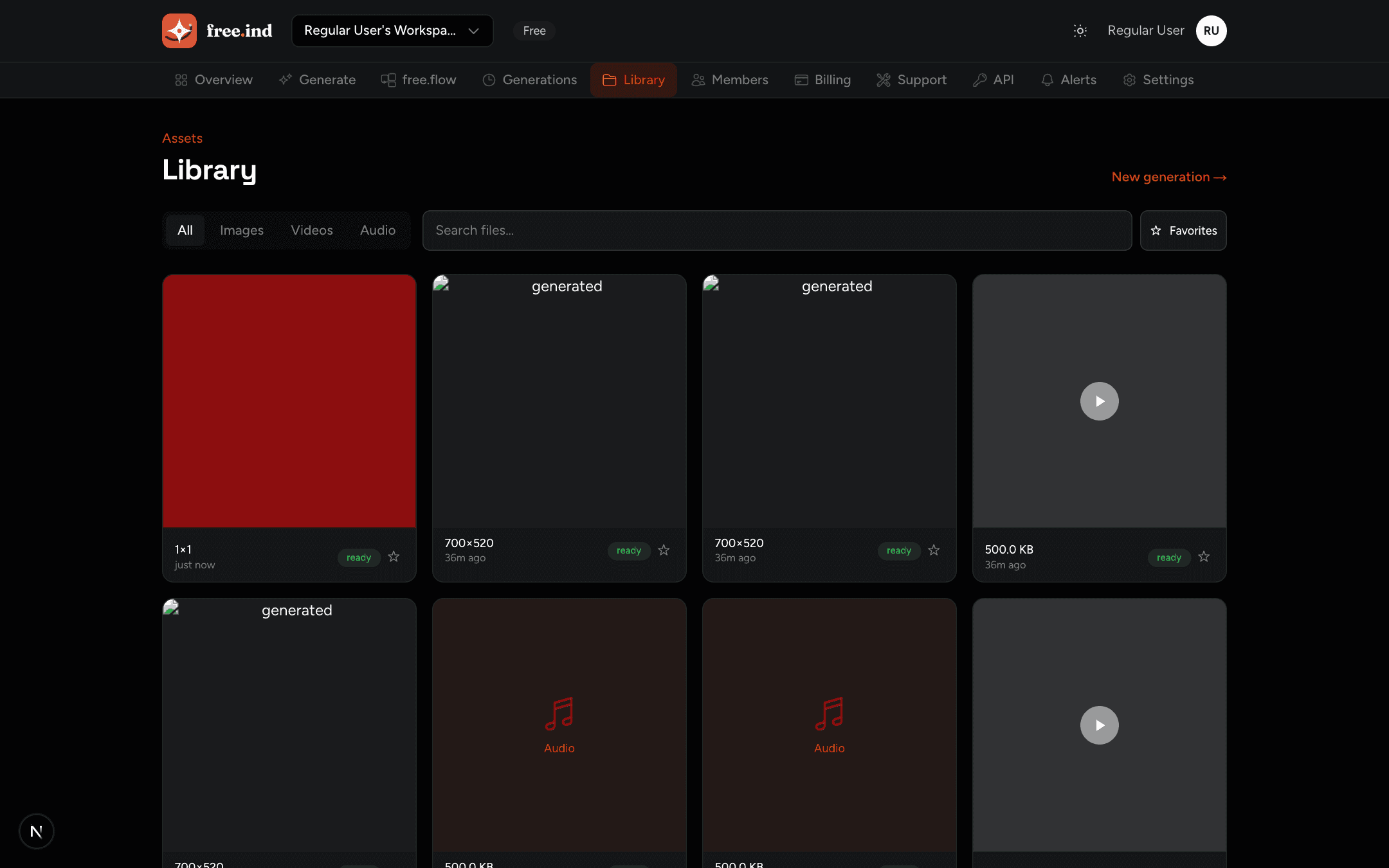
For image-to-image, image-to-video, and video-to-video modes, pass the source file in the generation inputs: upload it with POST /v1/files/upload-url + POST /v1/files/upload-complete and use the asset ids, or skip the upload and pass a public http(s) URL / base64 data URL in inputs.imageUrls / inputs.videoUrls. Full recipes are in Code examples.
By default generations bill plan credits. Pass "paymentMode": "wallet" to use the pay-as-you-go wallet instead — see Billing & wallet.